Resetting the answers in your Will, Life Discovery Kit, Funeral Pre-Planner or Order of Service plan
Purpose
This article guides a user through resetting the answers in one of their products so they can start again from the first question.
Assumptions Made
- You have read Creating your account and Signing in with the email link.
- You are signed in to your account.
- The product you want to reset has answers in it. The reset link appears once a product has at least one answer, and it is not shown for a product you have not started.
- If you have paid for the product, you are still inside its update window: three years from your purchase for your Will, Life Discovery Kit and Funeral Pre-Planner, and the Order of Service Planner's own two years for an Order of Service plan. See How long your credits last. If you have not paid yet, there is no window to think about.
Procedure
-
Open the page where the product's reset link sits. Each link is a small underlined line of text under a thin line, on its own.
-
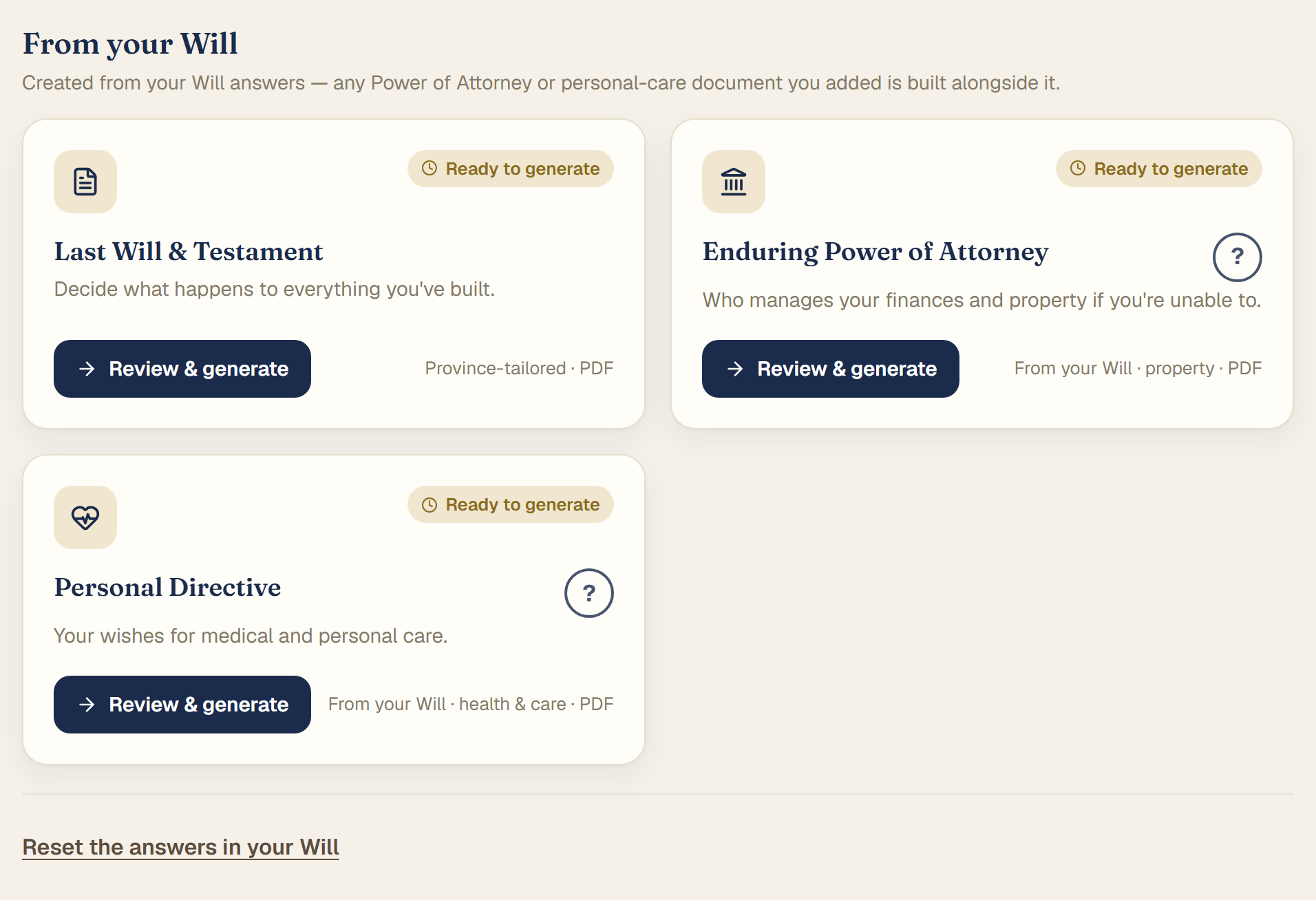
Will: choose Documents in the sidebar. The link is below the cards under From your Will. It is also on the Review your will page, below your answers.
-
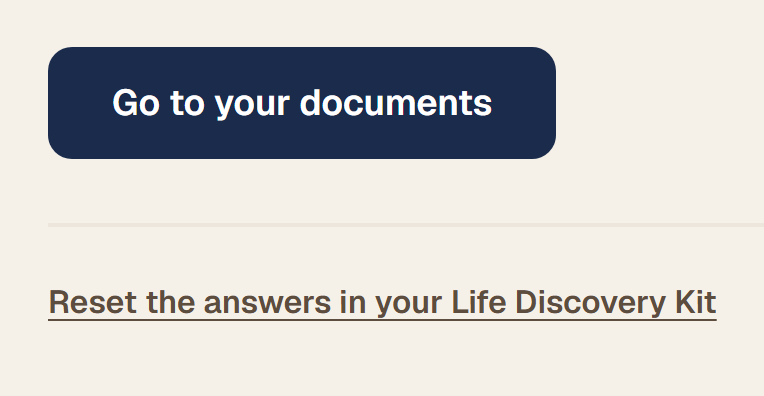
Life Discovery Kit: on the Review your Life Discovery Kit page, below Go to your documents. You reach it from the last screen of the Life Discovery Kit with Review your kit answers. It is also on Documents, below the cards under Your kits.
-
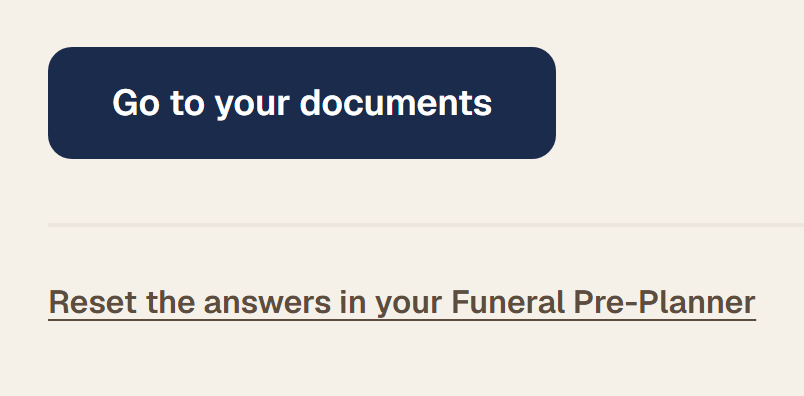
Funeral Pre-Planner: on the Review your funeral plan page, below Go to your documents. You reach it from the last screen of the Funeral Pre-Planner with Change an answer. It is also on Documents, below the cards under Your kits.
-
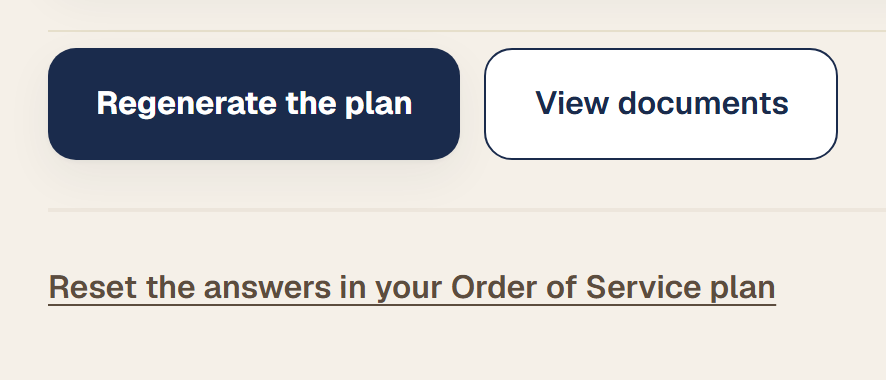
Order of Service plan: on that plan's review page, below Regenerate the plan and View documents. A finished plan opens on its review page. Each plan has its own link, and it resets that plan only.
Note: on Documents, the links are shown for the person currently selected in your account. The Life Discovery Kit and the Funeral Pre-Planner open once your Will is finished, and so do their reset links.
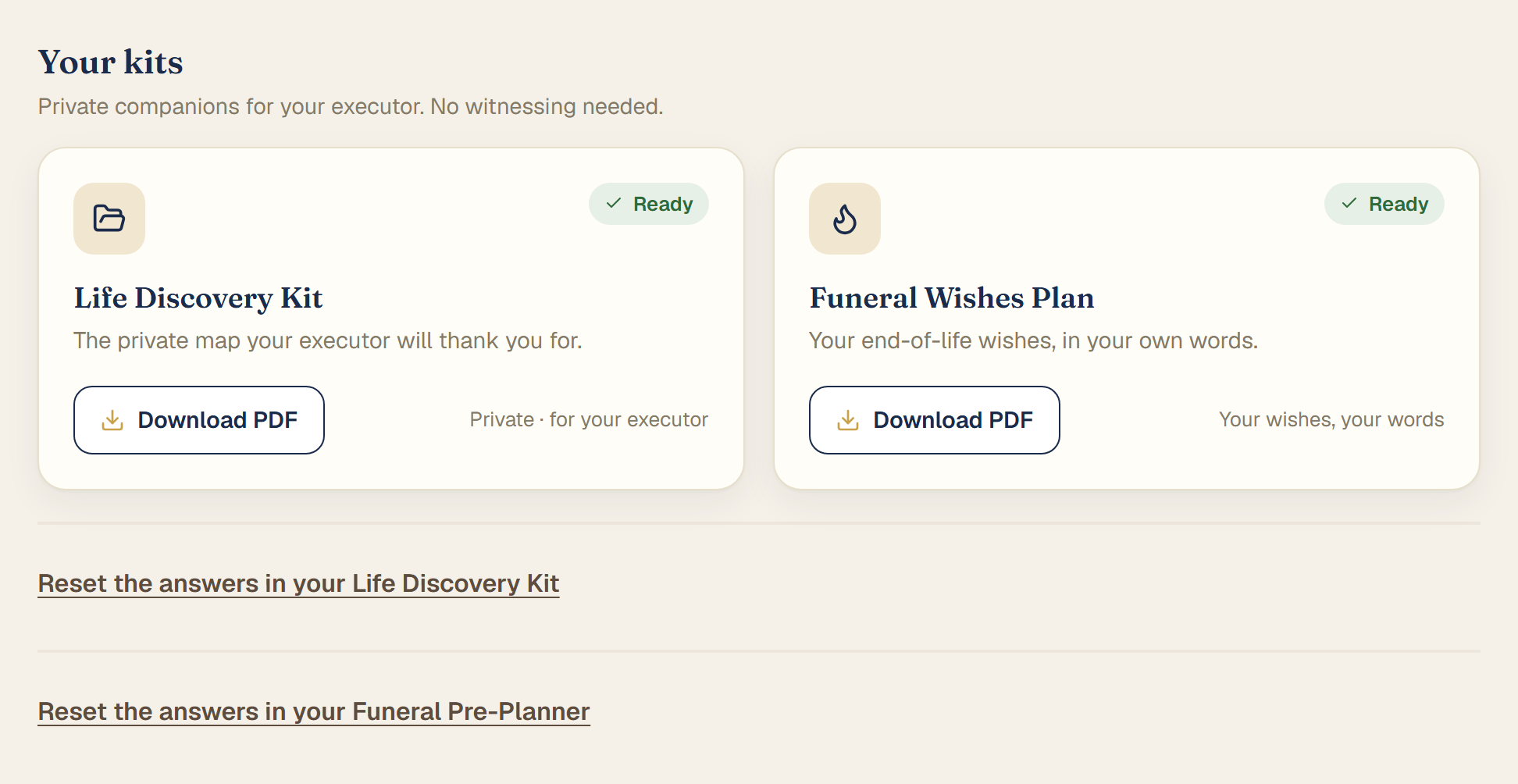
-
-
Select the reset link for the product, for example Reset the answers in your Will.

-
A first message appears in a box: "This clears every answer in your Will so you can start again from the first question. This cannot be undone." Choose Yes, start over to go on, or Cancel to close the box. Nothing has changed yet.
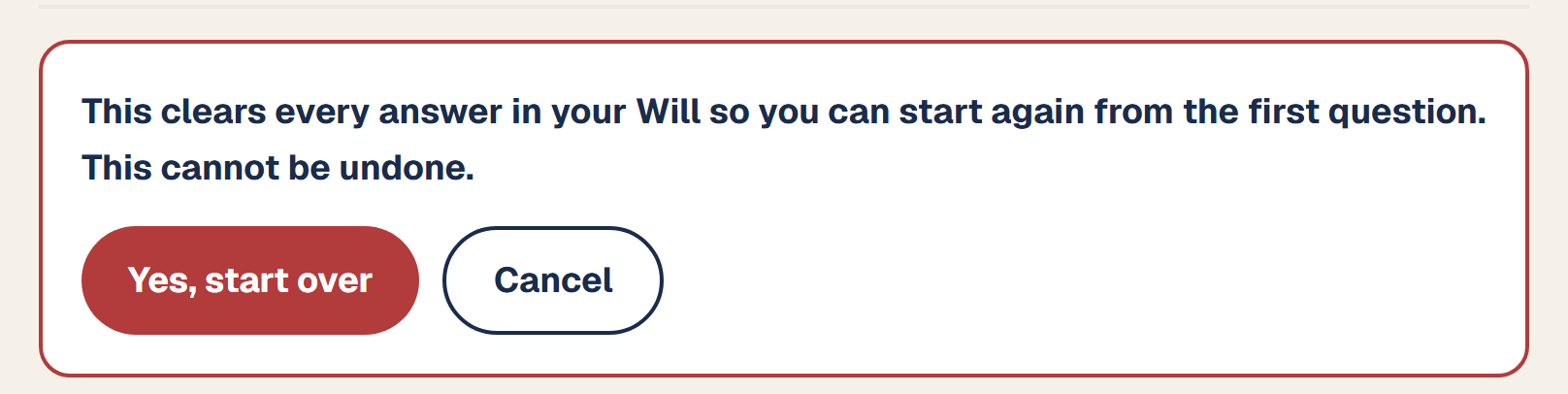
-
A second message asks you to confirm once more: "This will reset your current Will. There is no way around this." Choose Yes, reset my Will. For the other products the button reads Yes, reset my Life Discovery Kit, Yes, reset my Funeral Pre-Planner or Yes, reset my Order of Service plan. Cancel still closes the box without changing anything.
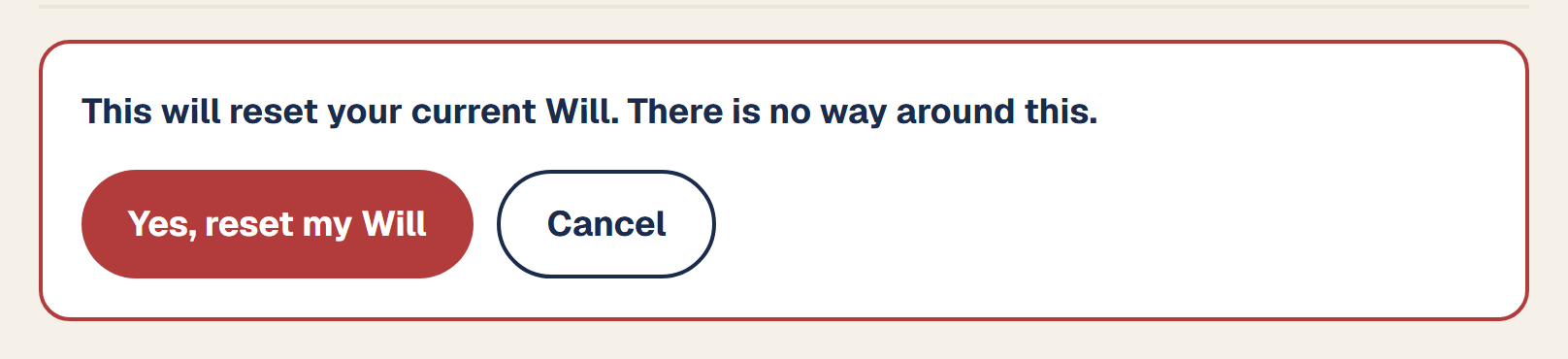
-
You are taken to the first question of that product, ready to start again. For the Will, the name saved on your account may already be in the answer box, ready for you to check.
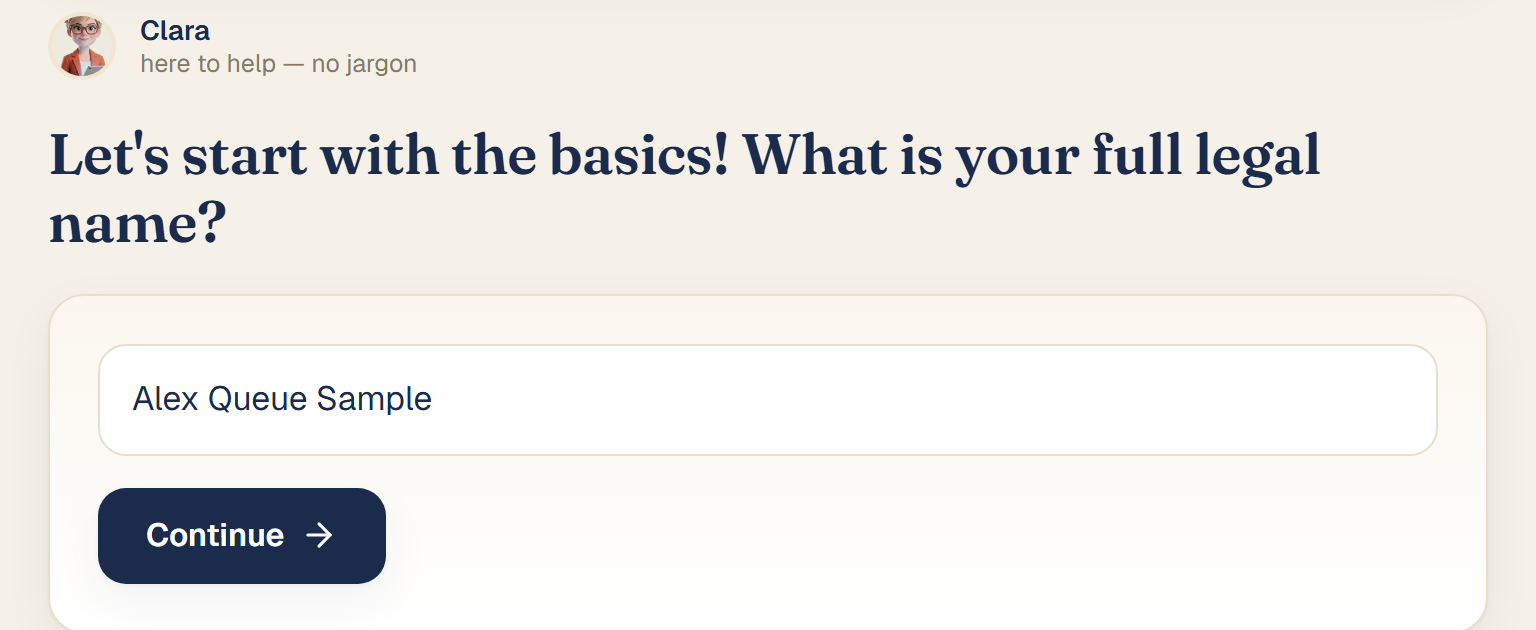
Note: what changes and what stays.
- Your payment, your purchases, your credits, your other products and the people on My Contacts stay as they are.
- If your documents were ever downloaded, your Will keeps your legal name and date of birth, and the questions start from the next one still to answer.
- For the Will, your Power of Attorney and your personal directive (or your province's personal-care document) are reset too, because they are built from your Will answers.
- That product's old documents are removed from your account.
- Once you have answered again, generate your documents again, as in Generating your documents. A new Will is signed and witnessed again, as in Signing and witnessing your will.
- If something does not look right, start a request from Support in your account.